
Every window, one hover away.
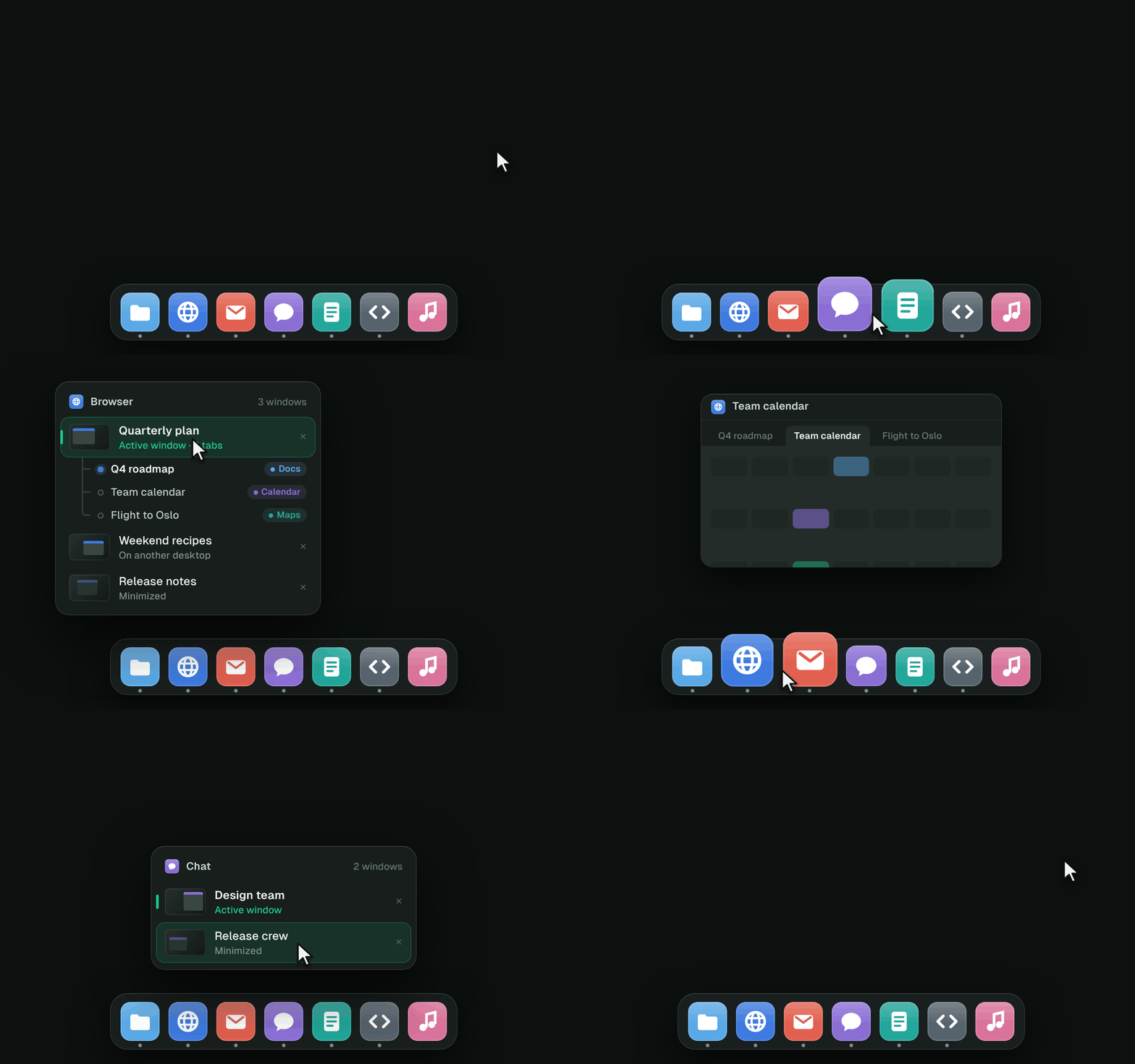
Rest the mouse on an app in the Dock and its windows pop up in a list. Click one to go there. Your Dock stays exactly as it is.
- Browser tabs, listed. Safari, Chrome, Edge, Firefox and friends show each window's tabs. Click one to jump straight to it.
- Click to minimize, click again to restore, like the taskbar always did.
- Minimized windows and other desktops included.
Switch windows, not apps.
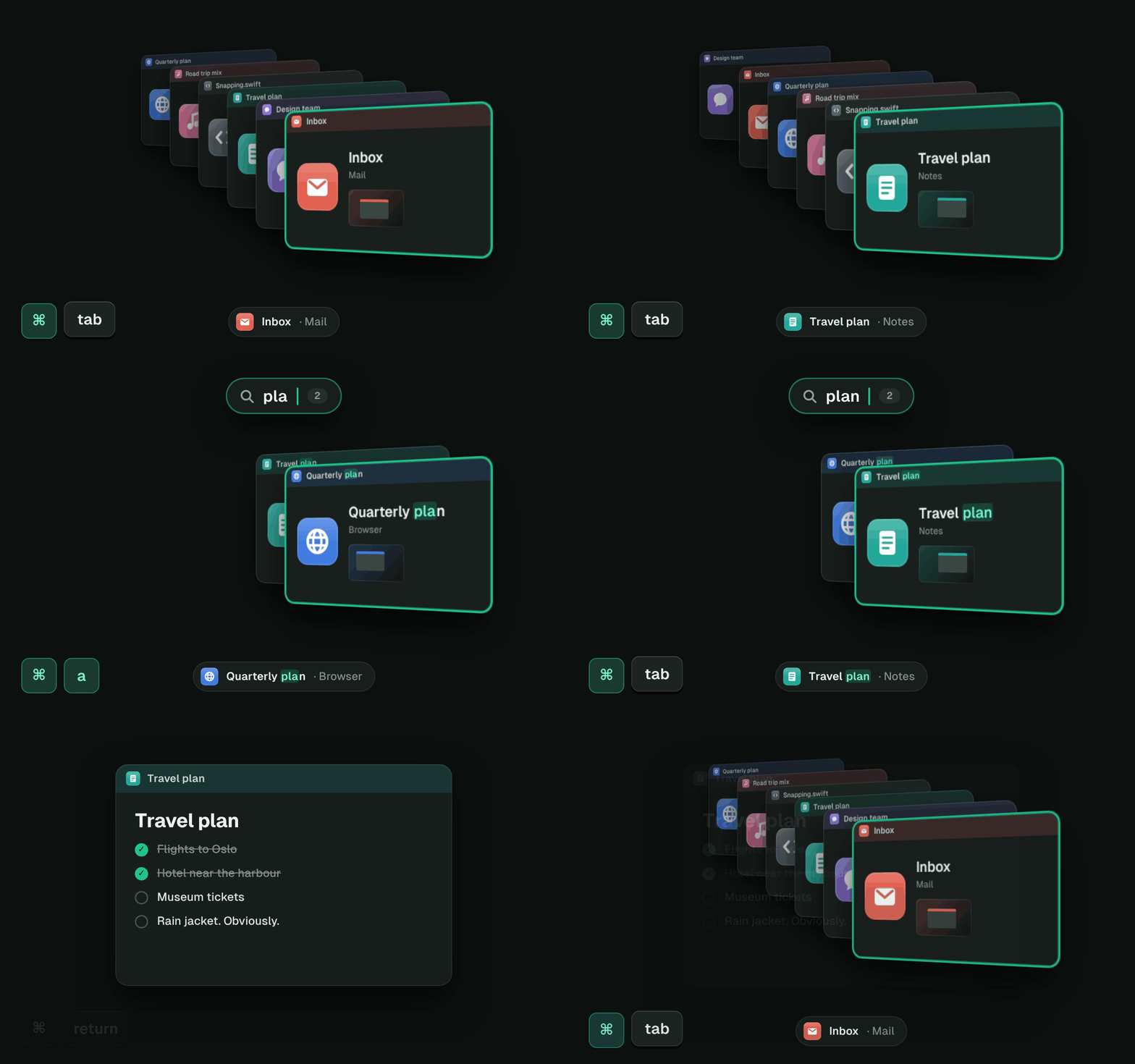
Hold ⌘ and press Tab: every window stands in a slanted 3D stack, most recent in front. Windows 7 fans will feel right at home.
- Type to filter. Type "plan" and only your plans are left. Return opens the one in front.
- Minimized, full-screen and other-desktop windows are all in the stack.
- Keeps working next to password fields, where lesser switchers give up.
⌃⌥ is your Win key.
Arrows for halves, maximize and quarters, or drag a window to an edge or a corner and let go. Unplug your display and plug it back in: every window returns to where it was.
- ⌃⌥← ⌃⌥→ halves, ⌃⌥↑ maximize
- ⌃⌥D show desktop, ⌃⌥E new Finder window
- Every shortcut is listed in DockFlip's menu bar menu.

Polished without peeking.
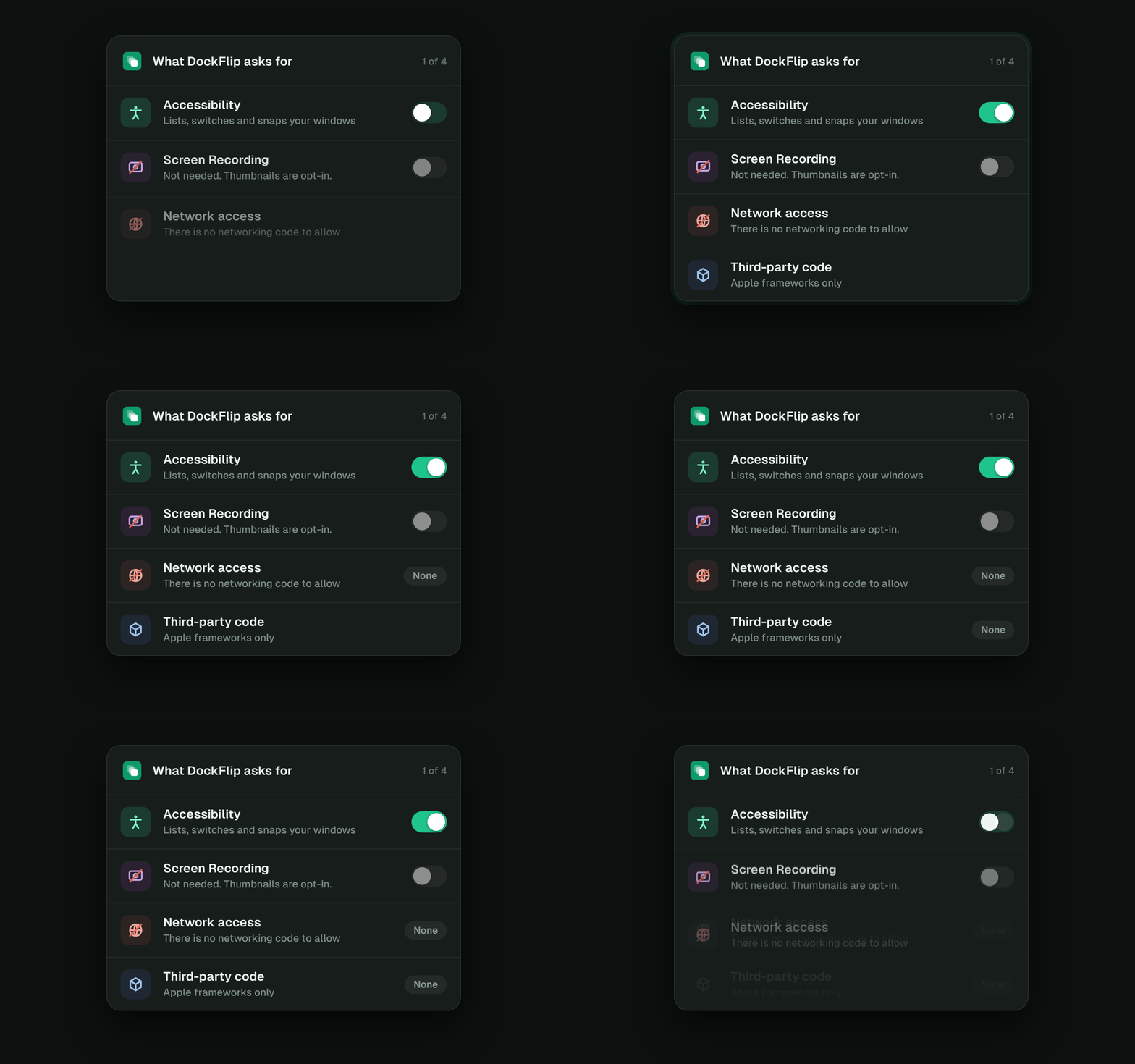
Most window switchers ask to record your screen the moment you open them, because they're built on screenshots. DockFlip draws everything from what macOS already shares with it, so it never needs to see your screen.
- One permission: Accessibility.
- No networking code. No analytics, no tracking, no update pings.
- Your typing stays yours: ordinary keys only while ⌘Tab is open.
Meet {m} and {w}.
{m}, 52
His last laptop was a Lenovo with Windows. On Monday, IT handed him a Mac. {m} doesn't do settings: he wants to hover the taskbar, press Alt+Tab and drag a window to the side, like he has for twenty years.
{w}, 44
Twelve Excel workbooks, Outlook and Teams. Two displays at the office, just the laptop at home. She types "budget" after ⌘Tab and she's there. She plugs in at her desk and every window goes back where it was.
DockFlip is for {m} and {w}. Install it, allow one permission, and the Mac works the way their hands already do. No preferences, no tutorial, no Linux degree required.
Built for people who never open the settings.
The usual fix for missing Windows is three apps: a Dock preview app, an Alt-Tab clone and a window manager. They're good apps, and DockFlip learned a lot from AltTab, DockDoor and Rectangle. But most people just want it to work like Windows, with good defaults, so DockFlip does that in one app.
Rolling out Macs to a team? DockFlip for IT: a package and a profile that pre-approves the permission, so nobody sees a prompt.
Two minutes, one detour.
Download
Open DockFlip.dmg and drag DockFlip to Applications.
Open it
macOS says it can't check the app. Press Done. Not "Move to Trash".
Open Anyway
System Settings → Privacy & Security → scroll down → Open Anyway.
Allow
DockFlip's setup opens. Switch it on under Accessibility. Done.
Buy DockFlip a coffee.
DockFlip is free and stays free. Enough coffees cover Apple's notarization, so DockFlip installs with a double-click and updates just open.
GitHub only takes dollars: pick the $2 cup, or type 3 and keep the change, Your Majesty. Bigger cups welcome, zero obligations.